YOUR WORDS. YOUR PACE.

The teleprompterthat follows you.

Read naturally. Record in Feipai.
Turn your take into a captioned clip.
All on your iPhone.

English edition coming to the US App Store.

Keep your eyes up.

Take a breath.

Say it your way.

One line at a time.

Make it feel like you.

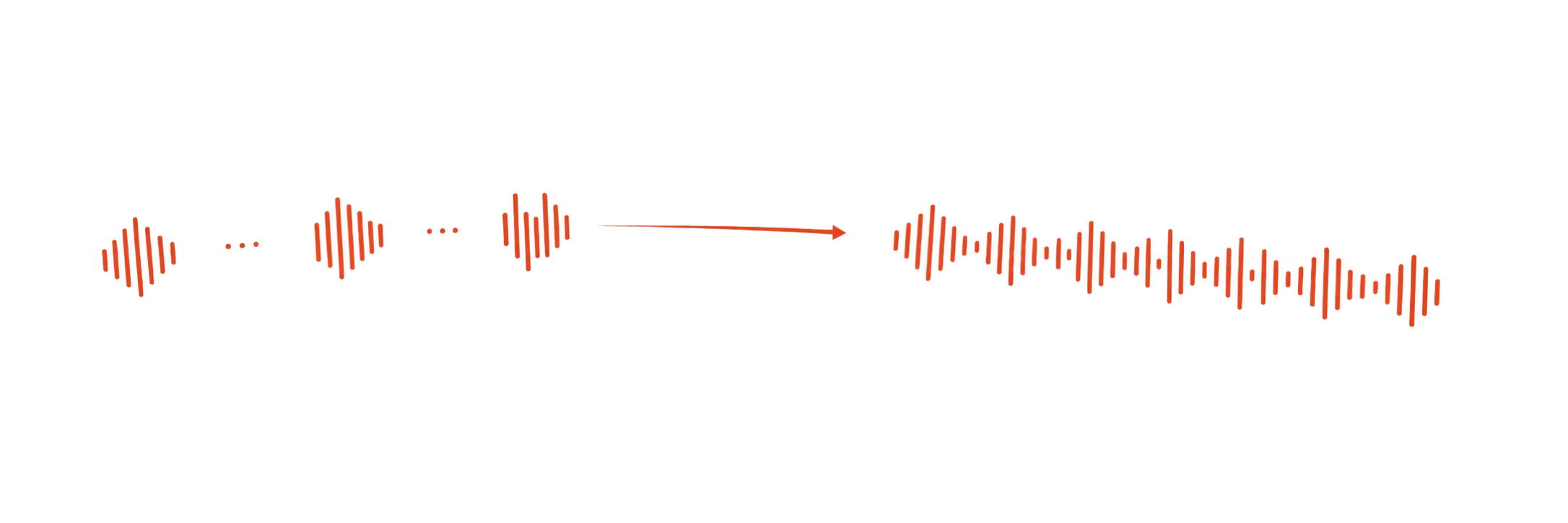
SMART FOLLOW

A prompt that
keeps your pace.

Pause, and it waits.
Go back a line, and find your place.
Use Feipai’s camera or a floating prompt over another camera app.

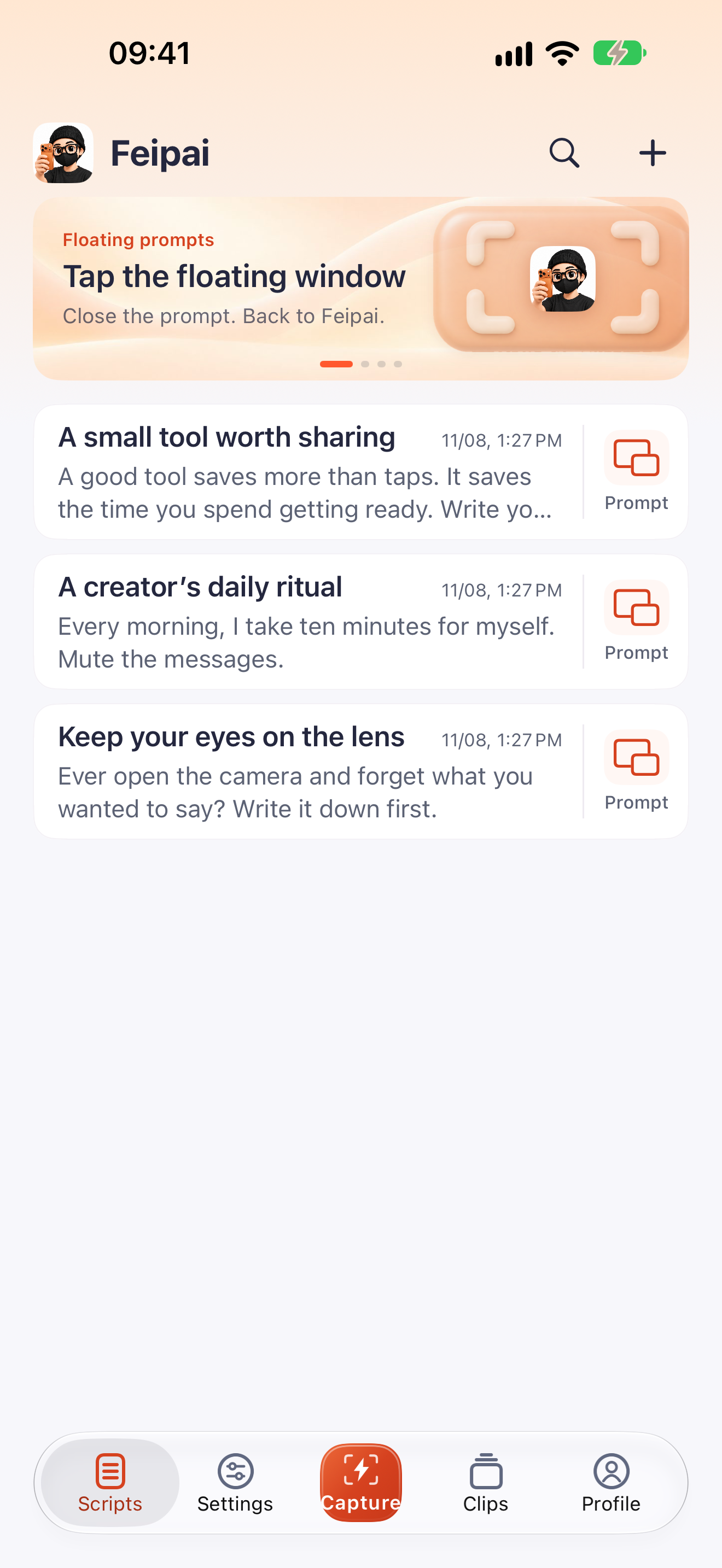
English script library with Scripts, Settings, Quick Capture, Clips and Profile in the bottom bar.

THE CAMERA IS RIGHT HERE

Script ready.
Camera ready.

Your prompt, right in the viewfinder.
Tap Record when you’re ready.
Keep your mind on what you’re saying.

Meet Quick Capture
Feipai’s brand character in a warm recording space.

AUTO EDIT

Your take,
finished.

Trim pauses and repeated lines.
Add captions. Make a cover.
Preview it before you save.

Fine-tune the details
Feipai’s orange-phone brand character with softly lit peach glass.

ON-DEVICE BEAUTY & FILTERS

Your look.
Your choice.

Five adjustments. Four looks.
Hold to compare with the original.
Find a setting that feels like you.

Face processing stays on your iPhone.

Turn the phone. Keep your place.

PORTRAIT OR LANDSCAPE

A different angle.
The same flow.

Use a floating prompt with another camera app.
As you turn your phone, the prompt adapts.
Pick up where you left off.

How orientation works

THE FINISHING TOUCHES

A few words.
A better finish.

Correct a caption. Choose a font.
Give your cover a title that fits.

Change the words one line at a time. Pick a bundled font, set the size, and adjust the caption background. Preview before saving.

Explore captions and covers

A SHORTER WAY IN

Less tapping.
More creating.

Keep a widget close.
Or start from Control Center.

ScriptKeep your eyes
on the lens

This is your story.
Take a breath. Begin.

Start prompting
Quick CaptureCopy. Tap. Record.

Home Screen widgets

Quick Capture saves copied text and opens Feipai’s camera. The Script widget opens a floating prompt for your latest or chosen script.

Set up your widgets
Feipai’s native lightning-symbol Control Center control.

Quick Capture in Control Center

Copy text in another app, open Control Center, and tap Feipai’s control. Your script is saved before the camera opens.

Add the control

FROM AN IDEA TO A CLIP

Three steps.
Your own rhythm.

  1. 01

    Bring your words

    Write in Feipai,
    or copy a script.

  2. 02

    Make your take

    Open the camera.
    Tap Record when ready.

  3. 03

    Finish in Clips

    Tap Auto Edit.
    Preview, refine and save.

YOUR WORK STAYS YOURS

Made on your iPhone.
Kept on your iPhone.

Scripts, recordings, beauty effects, captions and covers are handled locally. No Feipai account. No automatic upload of your work.

Read the Privacy Policy

Your original stays intact.Preview an edit before saving. Keep the original, cover and finished clip together in Photos.

Local processing, clearly explained.Apple may download an on-device speech model. Online policy views create necessary website logs; Apple handles purchases and public-version checks.

GOOD TO KNOW

A few things
you might ask.

The useful details,
all in one place.

What can I use for free?

English scripts up to 300 words can prompt and enter the camera for free. Titles do not count. Scripts that include Chinese or other non-Latin text use a 300-character limit instead. Writing and managing scripts, beauty effects and saving original recordings are free. Auto Edit is free to process and preview. Longer scripts need Pro before prompting or entering the camera; saving an Auto Edit result also needs Pro.

What does Feipai Pro cost?

US launch prices are US$2.99/month or US$39.99 as a one-time purchase, with the same Pro features. Monthly access renews automatically until cancelled. Apple shows the actual price and availability for your Apple Account’s storefront in the app.

Can I still use another camera app?

Yes. Start a floating prompt from your script and switch to the camera app you prefer. Feipai’s built-in camera is an additional option. Quick Capture uses the built-in camera; the Script widget starts the floating prompt.

Can I change captions and covers?

Yes. Correct caption text line by line, choose a font and text size, and adjust the background. Change the still cover’s title, style and picture. Auto Edit may make recognition mistakes, so preview before saving. Leave Feipai in the foreground while processing.

Will my scripts or recordings be uploaded?

Feipai does not automatically upload scripts, recordings, audio or face data to a developer server. Online policy views create necessary access logs. Purchases, optional sharing and public-version checks follow the services you choose to use. See the full Privacy Policy.

Which visuals are real app screens?

The English script-library image is from the actual app. The prompting rhythm, camera, orientation, beauty, media cards, caption and cover designs, widget layouts and Control Center composition are website illustrations based on Feipai’s features. The brand character is AI-generated. Illustrations do not represent actual beauty results, exported clips, recognition accuracy or processing speed. This website does not use your camera, microphone or clipboard.

Which iPhones are supported?

Feipai supports iPhones running iOS 18 or later. On supported newer systems, Apple can download a speech model for on-device analysis. Feature availability may vary by device and system version.

Can I download the English edition now?

The English edition is being prepared for the US App Store. We will add the US download link after the matching version is actually available there. Feipai is already available in the China mainland App Store.

How can I get help?

Visit Support or email fei95278@gmail.com. Support is currently provided by email.